Induction Cooktop Not Turning On: Child Lock, Pan Detection and Power Checks
That frustrating moment when you place your pot on the induction cooktop, ready to cook a delicious meal, and nothing happens.
You press the power button again. Still nothing. The display is dark, or maybe it’s flashing a symbol you don’t recognize. Before you call for expensive repairs, take a deep breath. In most cases, the fix is simpler than you think.
TL;DR (Too Long; Didn’t Read)
- The child lock is often accidentally activated, disabling the controls.
- Induction cooktops only work with magnetic cookware; use a magnet to test your pans.
- A tripped circuit breaker or a loose plug is a common power issue.
- A dirty or wet control panel can prevent the touch controls from responding.
- Always check these three things first: power, pan, and lock.
Key Takeaways
- Induction cooktops are powerful and efficient but have specific needs compared to gas or electric stoves .
- The most common “not turning on” issues are user error or simple power problems, not broken machines .
- A simple magnet test can save you hours of frustration.
- Knowing how to reset your kitchen appliance can fix many glitches.
- Regular kitchen maintenance and cleaning of the cooktop surface prevent future issues.
The Real Causes Behind a Silent Induction Cooktop and How to Fix Them
An induction cooktop that won’t turn on is a major buzzkill in the home cooking routine. But unlike a traditional gas stove, induction uses advanced technology, which means its problems are often related to a few specific culprits. Let’s break down the most common reasons and get your cooking space back in action. These are the three core areas to inspect: The Child Lock, Pan Detection, and Power Supply.
Check #1: The Child Lock is Your Most Likely Suspect
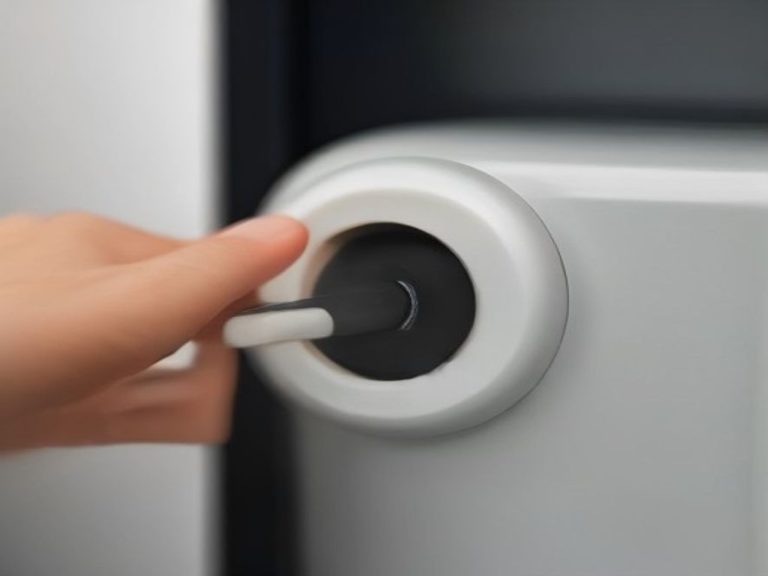
Did you know your induction cooktop likely has a built-in babysitter? The child lock (or control lock) is a fantastic safety feature for keeping little hands from turning on the stove, but it’s also incredibly easy to activate by accident.
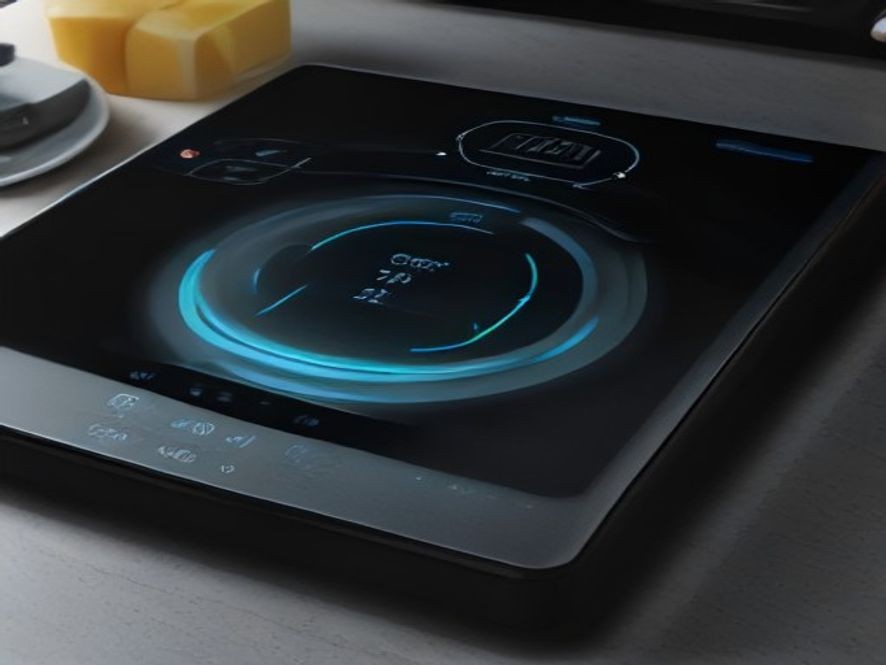
When the child lock is on, the cooktop might appear completely dead. You might press buttons and get no response, or you might see a small icon like a key or a padlock on the display . If your kitchen appliance is unresponsive but you know it has power, this is the first place to look.
- How to fix it: The fix is usually straightforward. Look for a button on your control panel that has a key or padlock symbol. Press and hold this button for 3 to 5 seconds . The lock icon on the display should disappear, and your cooktop will be ready to use . If you don’t see a key symbol, check your user manual for the specific deactivation process for your brand .
Check #2: Is Your Pan “Induction-Ready”? (Pan Detection)
This is where induction technology throws many new owners for a loop. It is the second most common reason an induction hob won’t turn on . An induction cooktop doesn’t get hot in the same way a gas or electric stove does. Instead, it uses a magnetic field to heat the pan directly. This means the cooktop will only work if the pan is magnetic .
If your pan isn’t compatible, the cooktop won’t detect it and simply won’t turn on the heating element. The cooking zone might even flash an error symbol .
- How to fix it: The best way to test your cookware is the magnet test . Take a fridge magnet and hold it to the bottom of your pot or pan. If the magnet sticks firmly, your pan is good to go! If it doesn’t stick, or only sticks weakly, that pan will never work on your induction top. You’ll need to use cast iron or stainless steel with a magnetic base . You can also look for an induction-compatible symbol on the bottom of the cookware . Also, make sure the pan’s base is large enough to cover the cooking zone .
Check #3: The Power Supply and Electrical Connection
If the child lock is off and you know your pan is compatible, it’s time to check the power source. Unlike a toaster, induction cooktops draw a lot of electricity and often have specific power requirements . If the display is completely blank and unresponsive, this is a likely cause.
- Check the Circuit Breaker: Your cooktop is likely on its own dedicated circuit. Go to your home’s electrical panel and look for a tripped breaker (it will be in the “off” position or a middle position) . Reset it by firmly switching it to “off” and then back to “on” . If it trips again immediately, call an electrician.
- Inspect the Plug and Outlet: If your cooktop plugs into a wall outlet, make sure the plug is securely in place . If it’s hardwired, check the isolation switch (often a large red switch on the wall) is in the “ON” position . In some areas, the outlet might be a GFCI type, which can trip. Check if the GFCI has tripped and reset it .
- Reset the Cooktop: Sometimes, the appliance just needs a digital reboot. You can unplug the cooktop or switch it off at the circuit breaker for a few minutes (2-5 minutes), then restore the power . This can clear minor electronic glitches.
Step-by-Step Fix Guide
Follow these steps in order to quickly diagnose the problem:
- Deactivate the Child Lock: Press and hold the lock button (usually a key or padlock icon) for 3 to 5 seconds until the indicator light goes off .
- Perform the Magnet Test: Grab a magnet and check if it sticks to the bottom of your pan. If not, swap it for one that does .
- Clean and Dry the Control Panel: Wipe the glass surface with a soft, damp cloth. Ensure your hands and the controls are completely dry .
- Check the Power Source: Go to your circuit breaker panel and ensure the breaker for the cooktop hasn’t tripped. Reset it if needed .
- Power Cycle the Appliance: Turn off the cooktop at the circuit breaker or unplug it for a few minutes, then turn it back on to reset the electronics .
- Check for Error Codes: Look at the display. Is there an error code (like “F1” or “E2”)? Look it up in your manual. An overheat protection code (like “F1”) means you need to let the cooktop cool down for 10-15 minutes .
Comparison Table: Quick Troubleshooting Overview
| Problem | Likely Culprit | How to Spot It | The Fix | Estimated Cost |
|---|---|---|---|---|
| Cooktop Not Turning On | Child Lock Activated | A key or padlock icon on the display | Press and hold the lock button for 3-5 seconds | $0 |
| Cooktop Not Heating | Incompatible Cookware | Pan is not magnetic; cooking zone symbol flashes | Use a pan that passes the magnet test | $0 (if you have a compatible pan, else the cost of new pans) |
| No Display/Dead | Power Supply Issue | No lights, no sounds, complete darkness | Check the breaker and reset it. Check the plug and outlet | $0 (if just a tripped breaker) |
Chart: Most Common Causes of Induction Cooktop Failure
The data below visualizes the frequency of common induction cooktop problems, highlighting why checking the pan, power, and lock should always be your first step.
FAQ: Quick Answers to Your Induction Cooktop Questions
Why is my induction cooktop not turning on even though it has power?
The child lock is likely activated, disabling all functions. Check the key or lock icon and hold the button down to deactivate .
What does the flashing pan symbol mean?
Your cooktop is telling you it can’t detect a compatible pan. The pan is either not magnetic or too small for the cooking zone .
Can I use any pot or pan on an induction cooktop?
No. Only cookware with a magnetic base, such as cast iron or magnetic stainless steel, will work. Use the magnet test to be sure .
What is the best way to clean my induction cooktop?
Use a soft sponge or cloth with warm, soapy water. For burnt-on food, use a special ceramic cooktop scraper and cleaner. Keep the control panel clean and dry for best response .
How do I reset my induction cooktop?
You can power-cycle it by switching it off at the circuit breaker or unplugging it for a few minutes. This often resolves minor electronic issues .
Why does my cooktop make a buzzing sound?
A faint hum is normal, especially at high power or when using multi-ply pans. A loud rattling sound is usually the pan itself vibrating .
What should I do if an error code appears?
Check your user manual for the specific meaning of the code (e.g., “F1” for overheat). Many issues can be fixed by cooling down the unit or resetting it .
References
Official Manufacturer and Appliance Expert Troubleshooting Guides for Induction Cooktops:
Which kitchen problem do you want solved next? Share your thoughts in the comments.